 Taskriz
The Taskriz app
What the people your Agent asks see — and how they answer. It runs in the browser on their phone or computer, and it’s always free for them.
Requests that feel at home
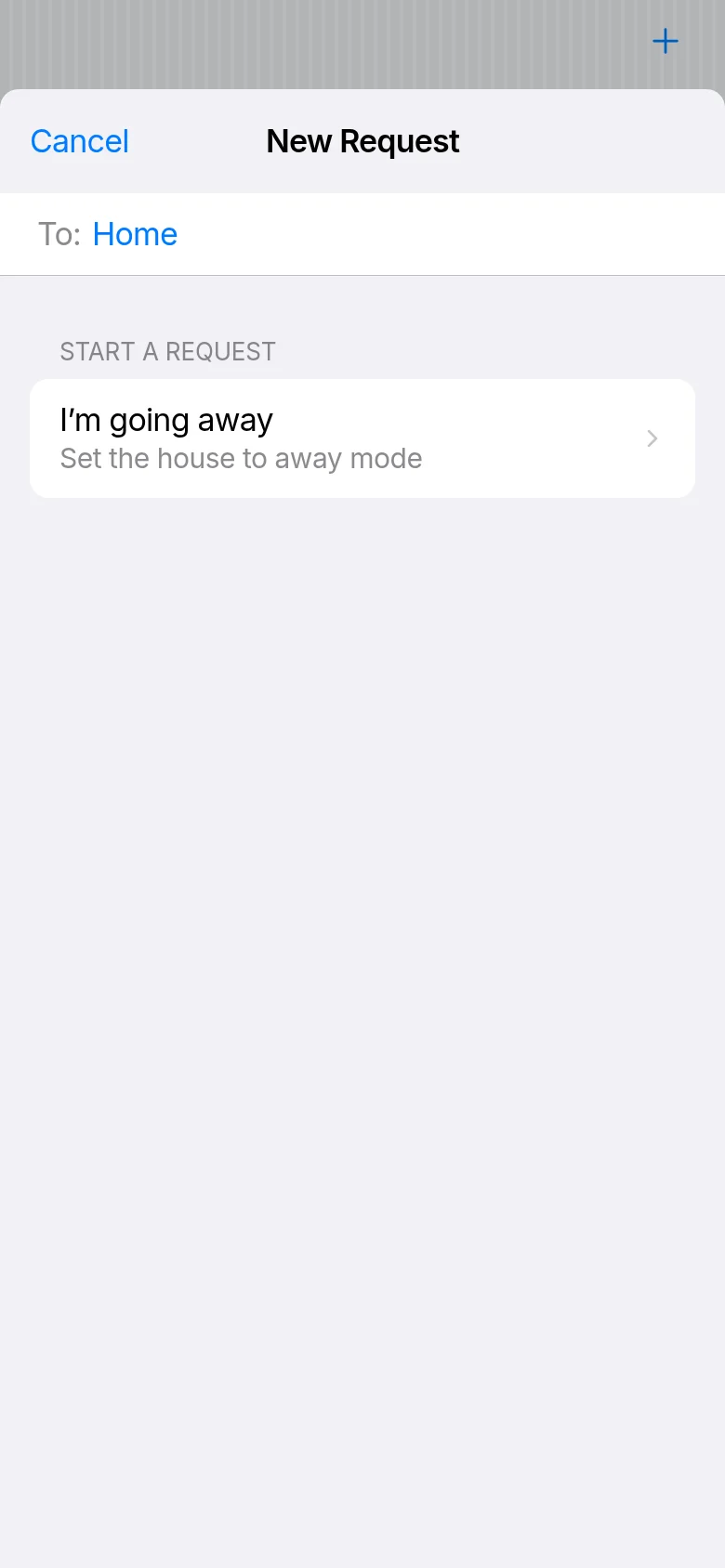
Each request arrives as a small, familiar interface — a choice, a date, a photo, a short note — built from the same building blocks people already know from the apps on their phone. They read it, tap their answer, and it goes straight back to your Agent as structured data.
A look around
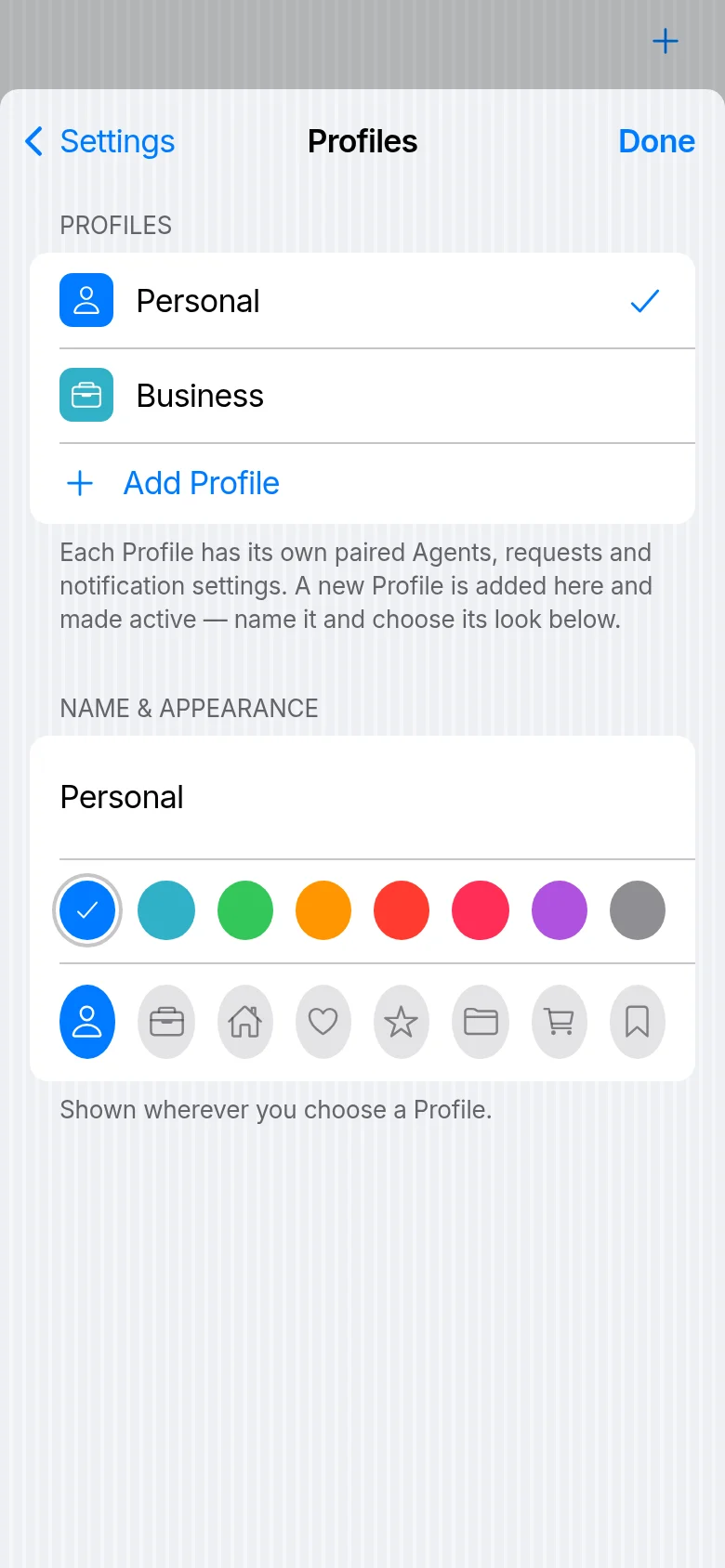
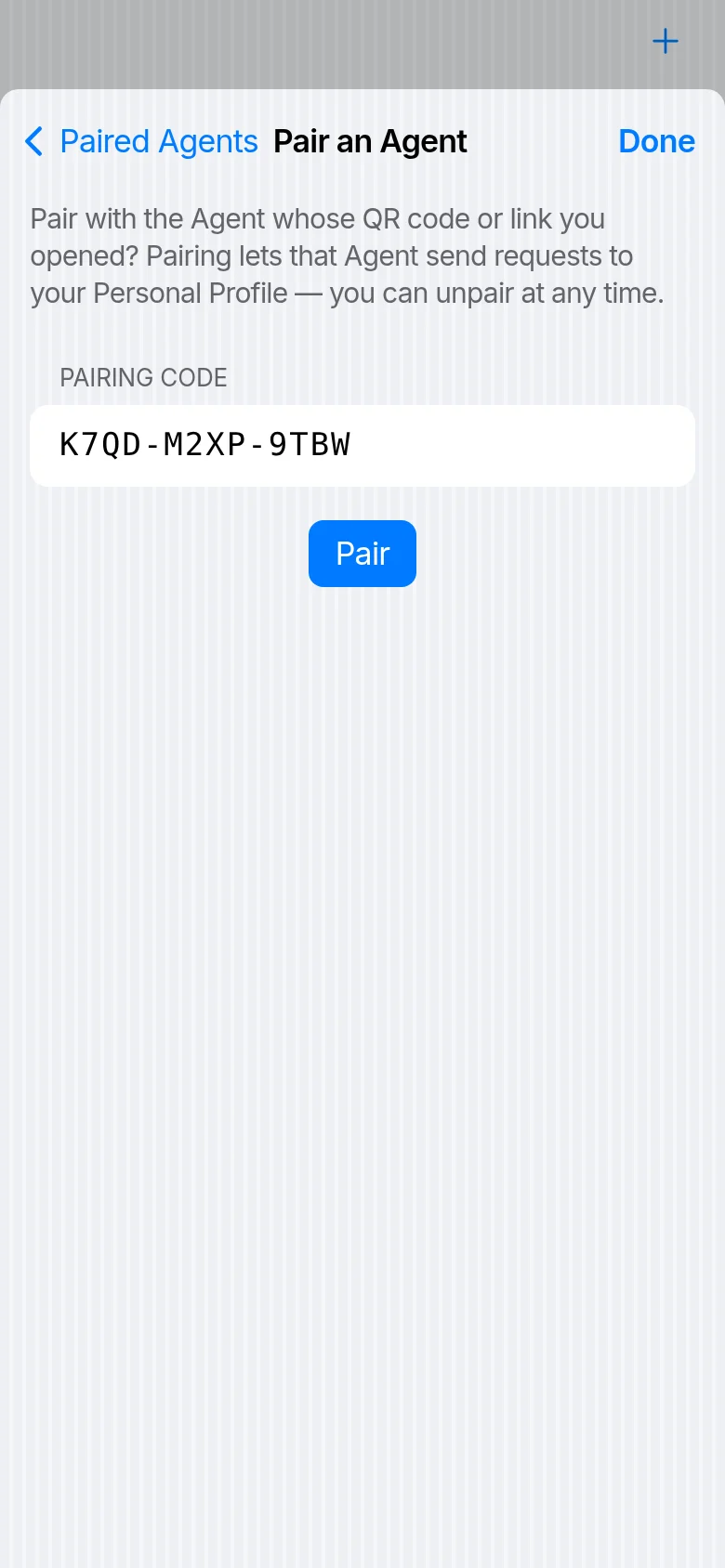
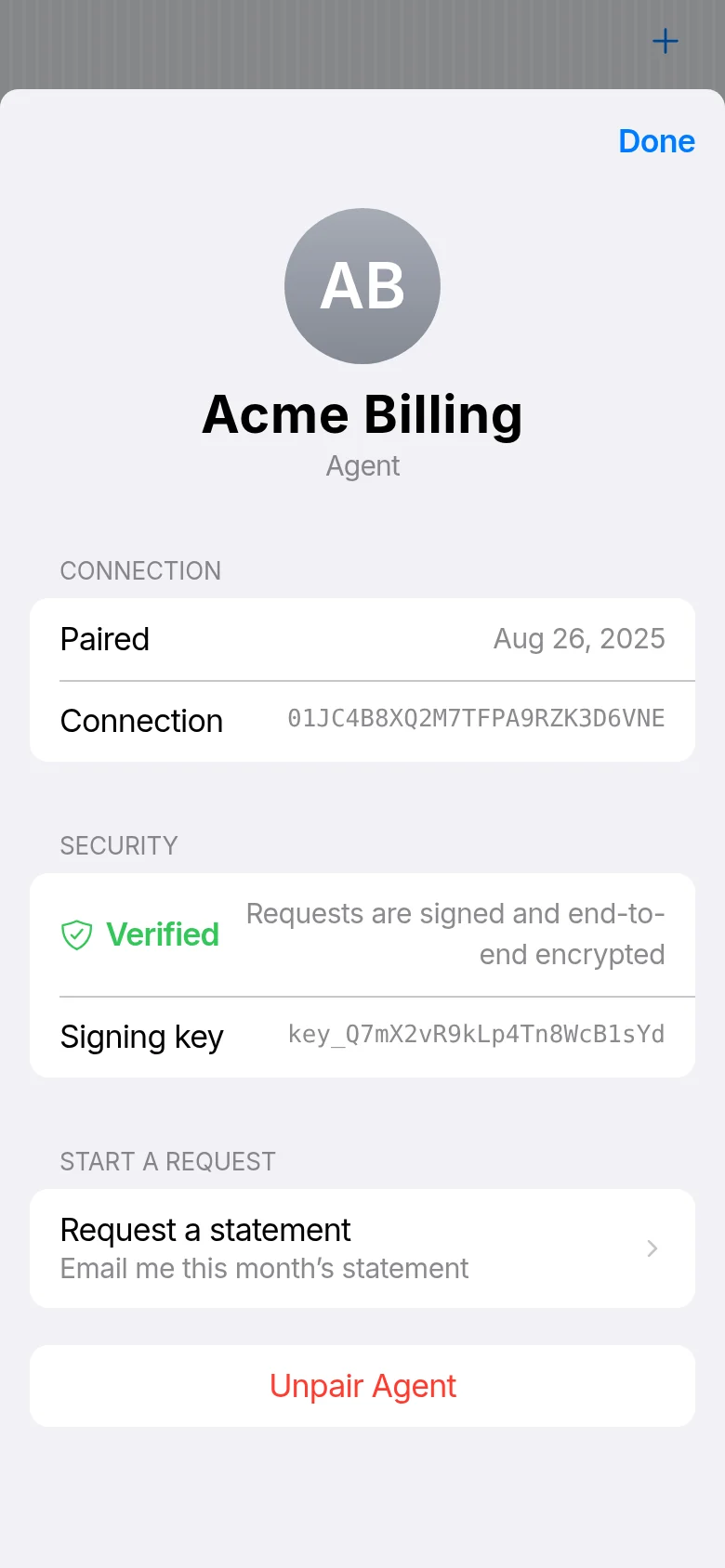
These are the app’s own screens, with demo data. Choose one to read how it works in the For People guide.
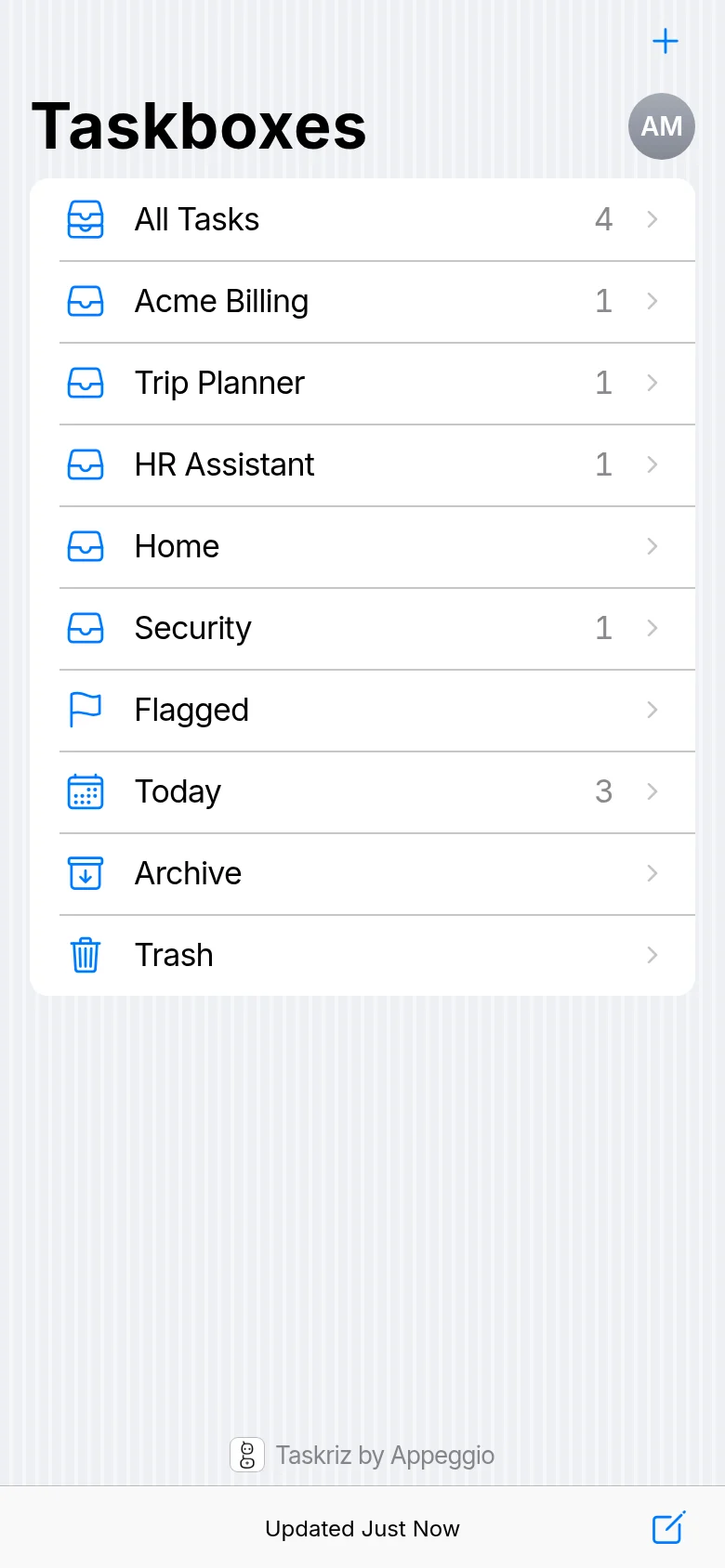
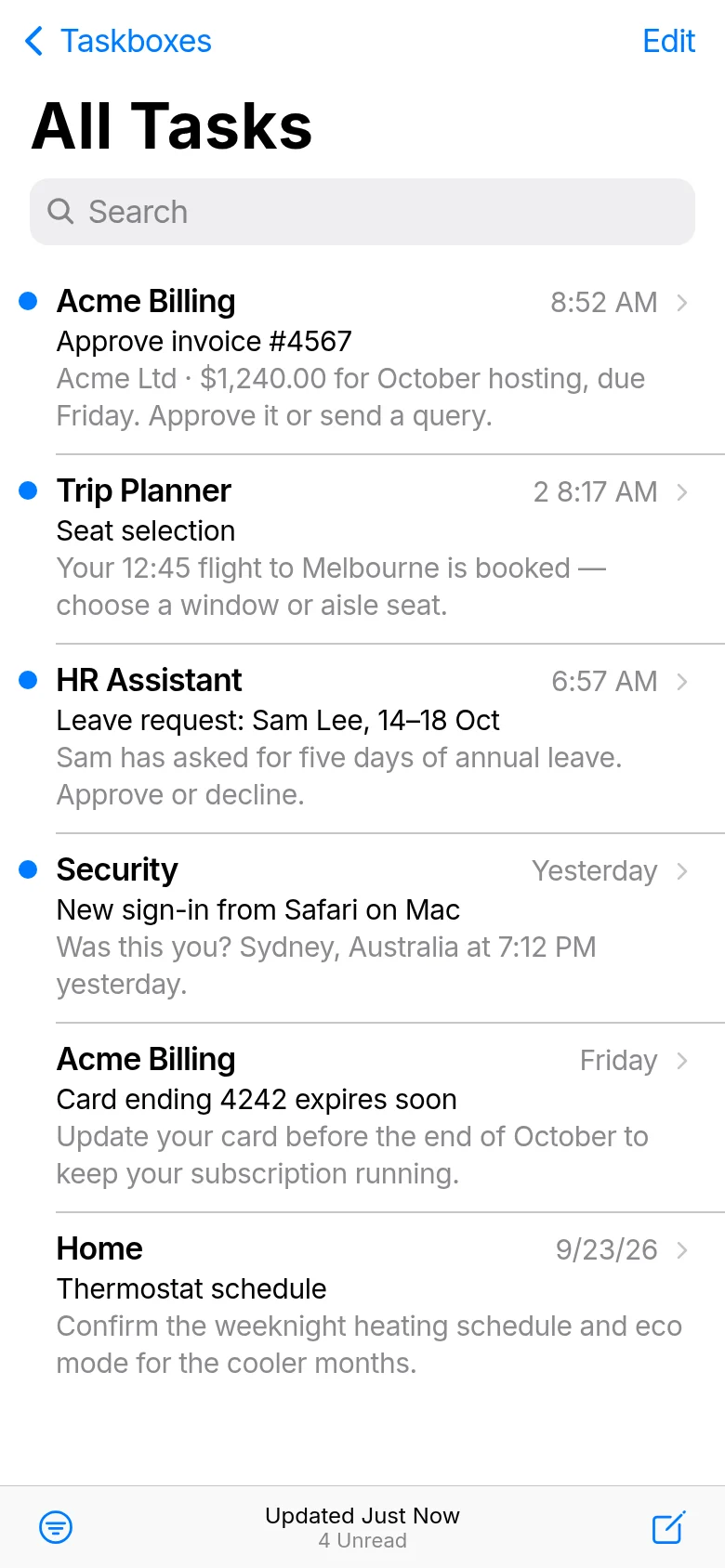
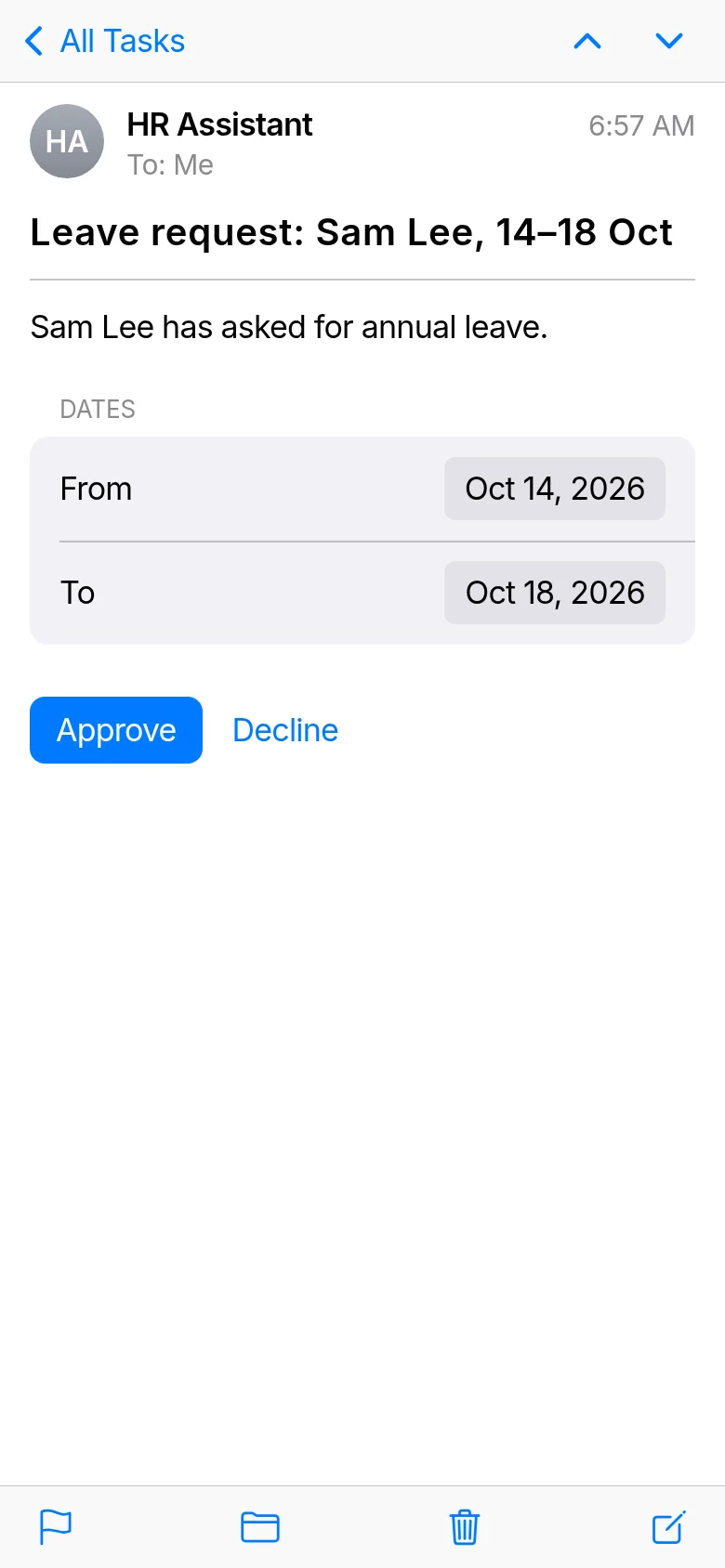
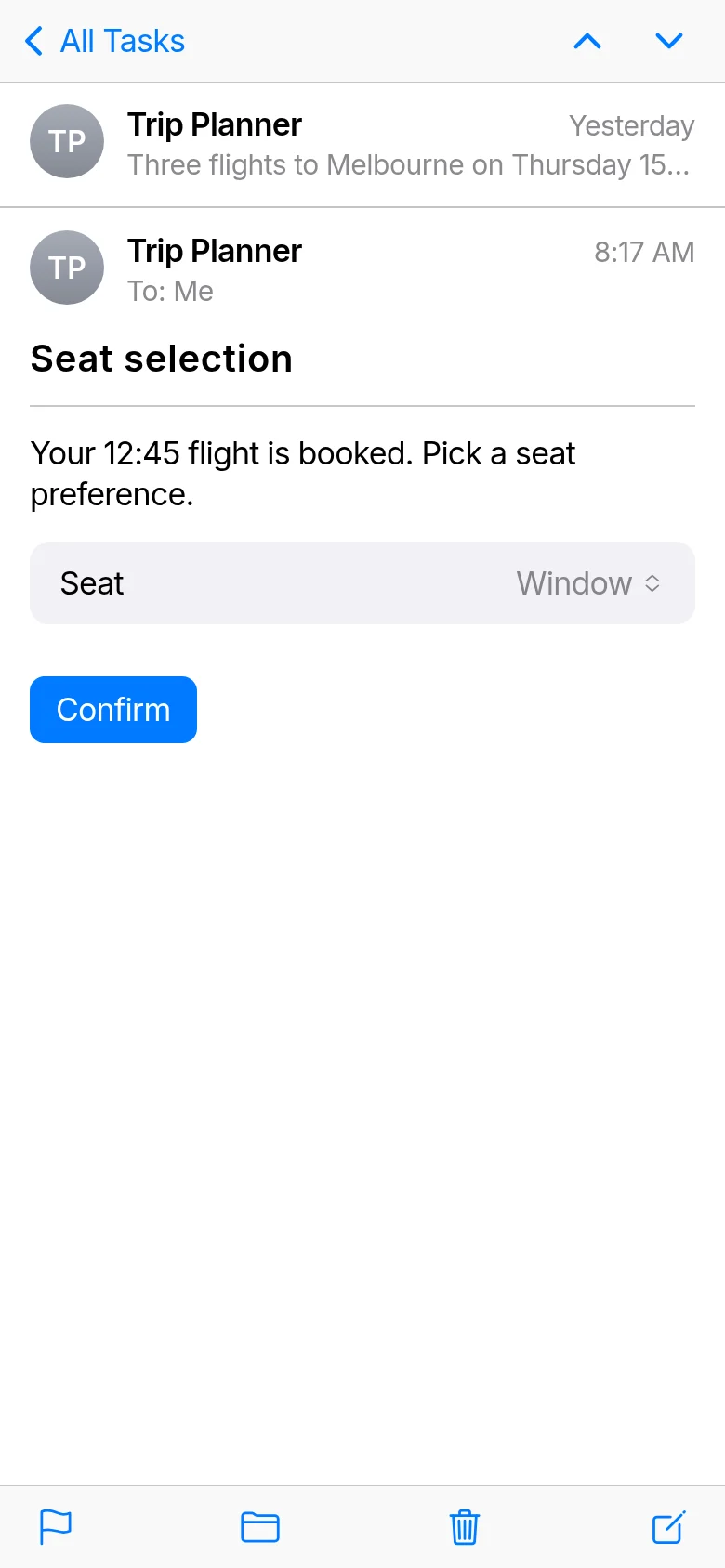
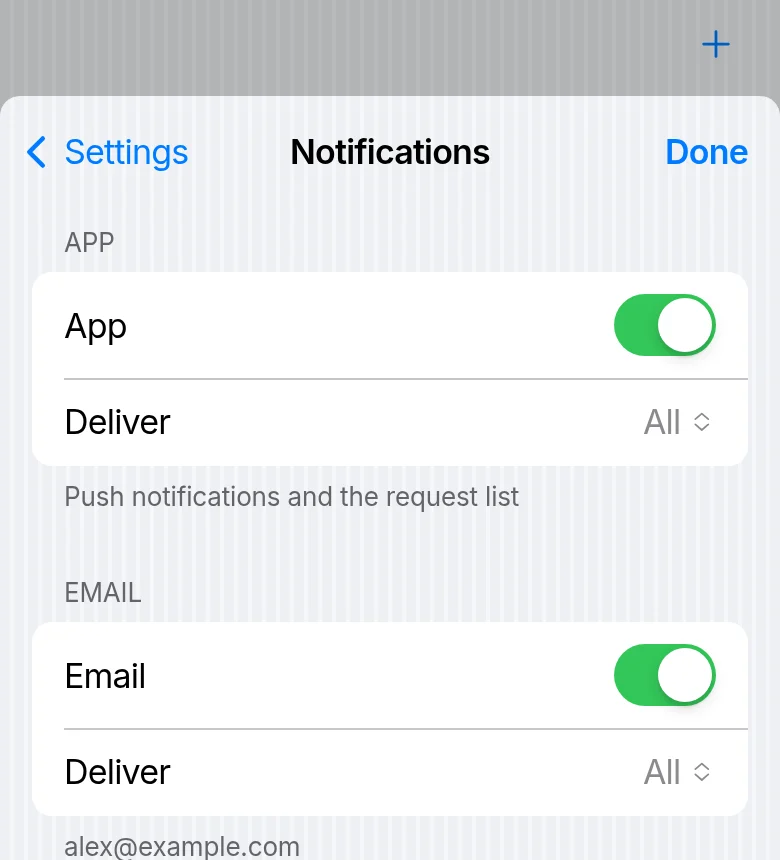
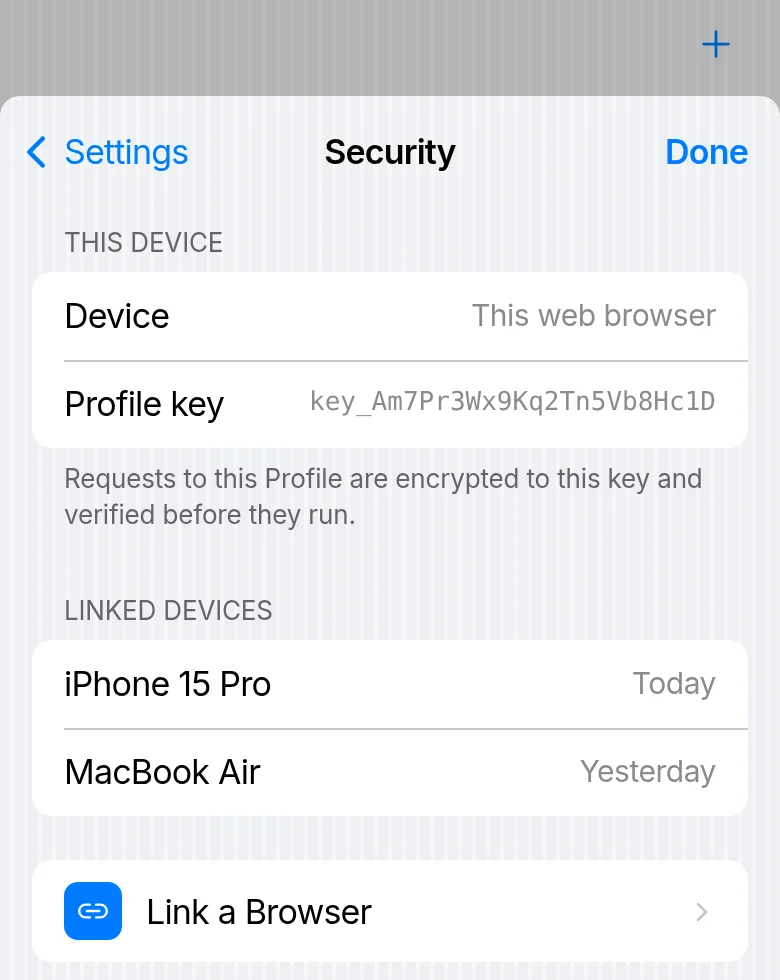
What people can count on
- It’s private. Each request is sealed to their own devices and stored that way, so it opens only there. Your Agent sees their answer. See Security.
- They stay in control. They can decline an invitation, unpair an Agent at any time, and keep things apart with Profiles.
- No app store, no cost. Taskriz opens in the browser. The people who answer never pay — the account whose Agent sends the requests does (see Pricing).
How people get started
Your Agent sends a request to their email address: they get an invitation, and accept it by signing in or creating an account. Or give them your Agent’s QR code to scan with their phone’s camera, or its pairing code. Building the Agent? See the For Agents guide and Developers.